PhotoDump Export app icon
PhotoDump Export

Move your photos off your iPhone, not onto a rented cloud.

PhotoDump Export exports your photos and videos from iCloud Photos to a drive you own: USB or SSD, S3 storage, or your own server. Choose from many export presets, pause at any time and download in parts.

  • iPhone
  • iPad
  • Mac with Apple silicon (M1 and later)
  • One-time purchase
  • No account

Why PhotoDump

iPhone storage full?

Move photos and videos off the phone instead of deleting them. Nothing gets marked safe to delete until it is confirmed on the drive.
Guide: free up iPhone storage

Tired of paying for iCloud+?

A 2TB plan runs $9.99 a month, forever. Move your library to a drive you own once, then downgrade or cancel.

Guide: stop paying for iCloud+

Library bigger than your phone's storage?

A 256GB iPhone can still move a 2TB library to a 2TB SSD: one file at a time, never holding it all at once.

Guide: move a big library to an SSD

Your own storage, not a cloud provider's

S3-compatible and REST server support (Beta) works with a home NAS, a self-hosted object store, or any server you control. PhotoDump itself never holds a copy of anything: files go straight from your phone to the destination you set up.
See it in action

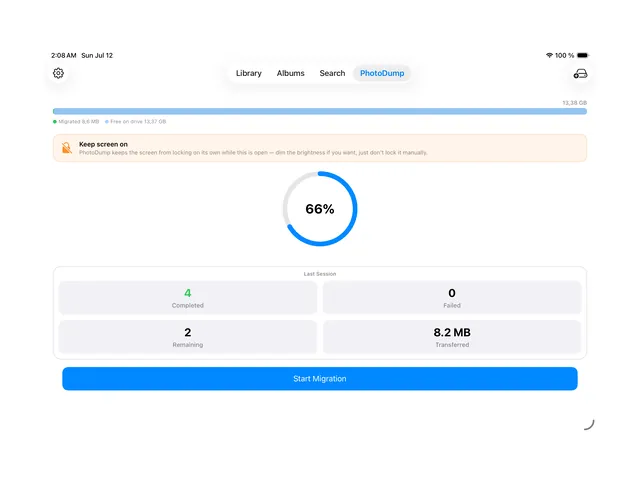
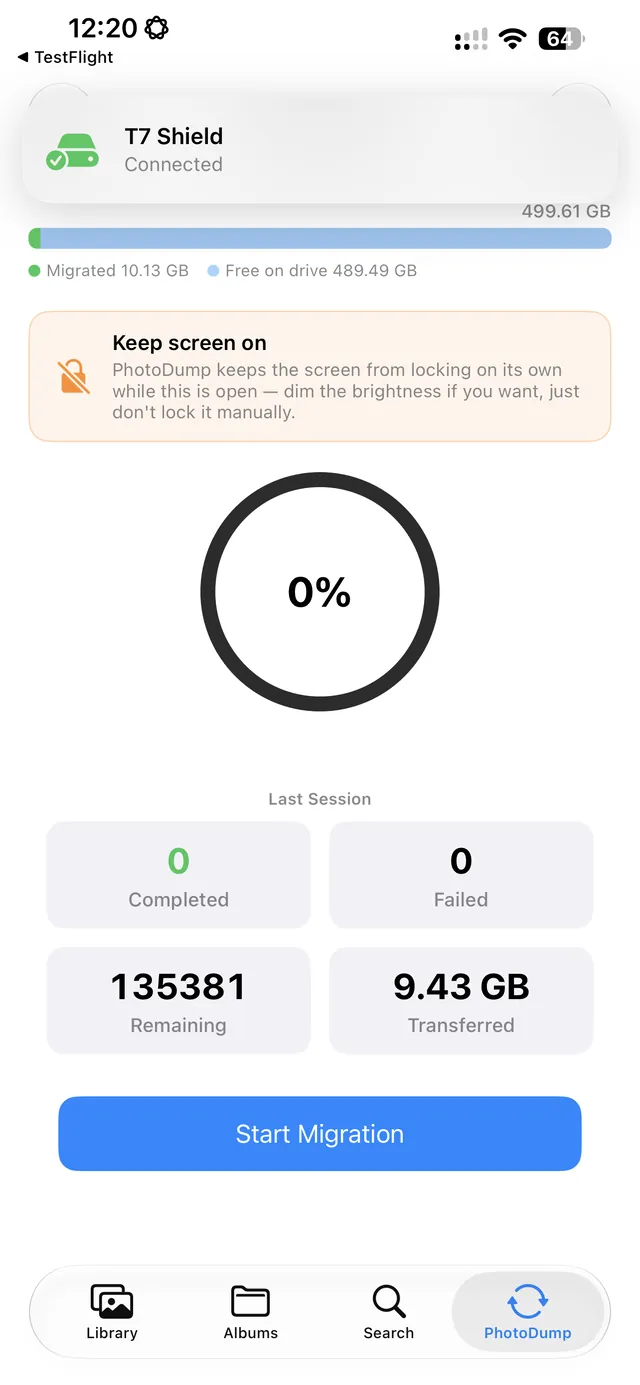
Track what is migrated and how much space is free on the drive.
Track what's migrated and how much space is free on the drive.
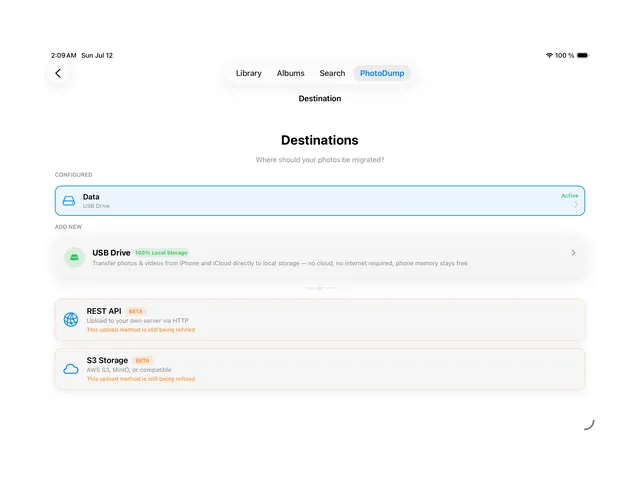
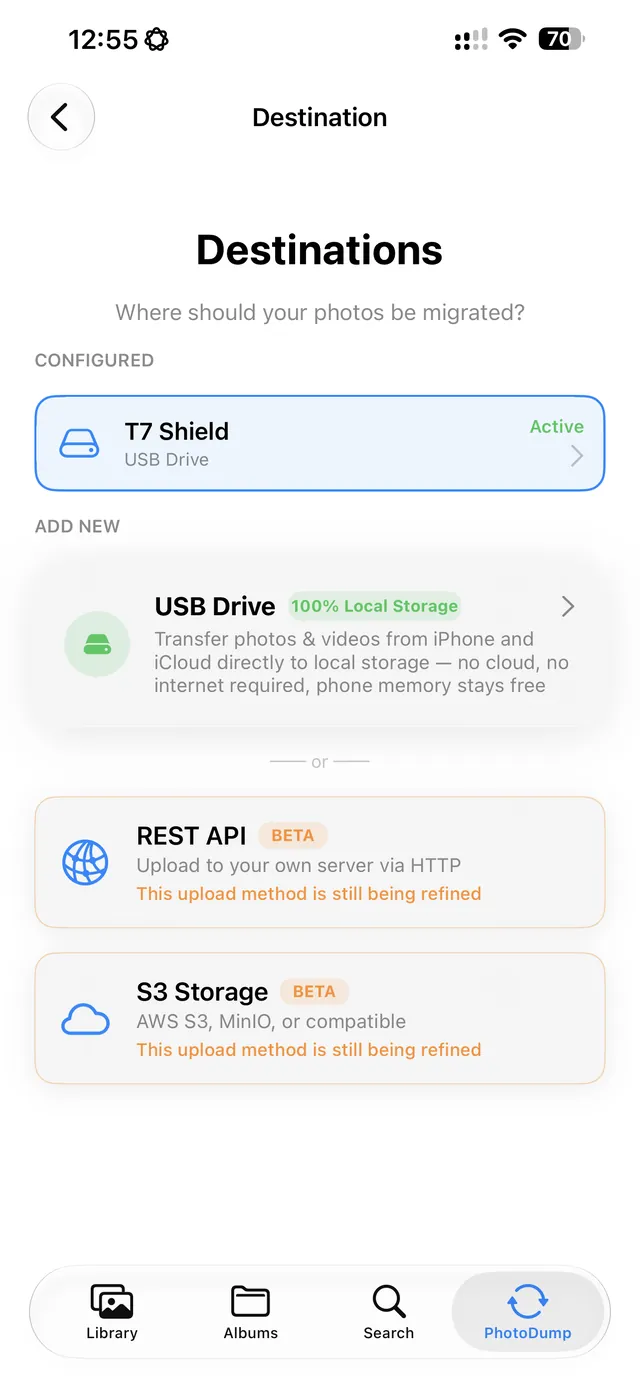
Pick where photos go: USB/SSD, your own S3 bucket, or a REST server you control.
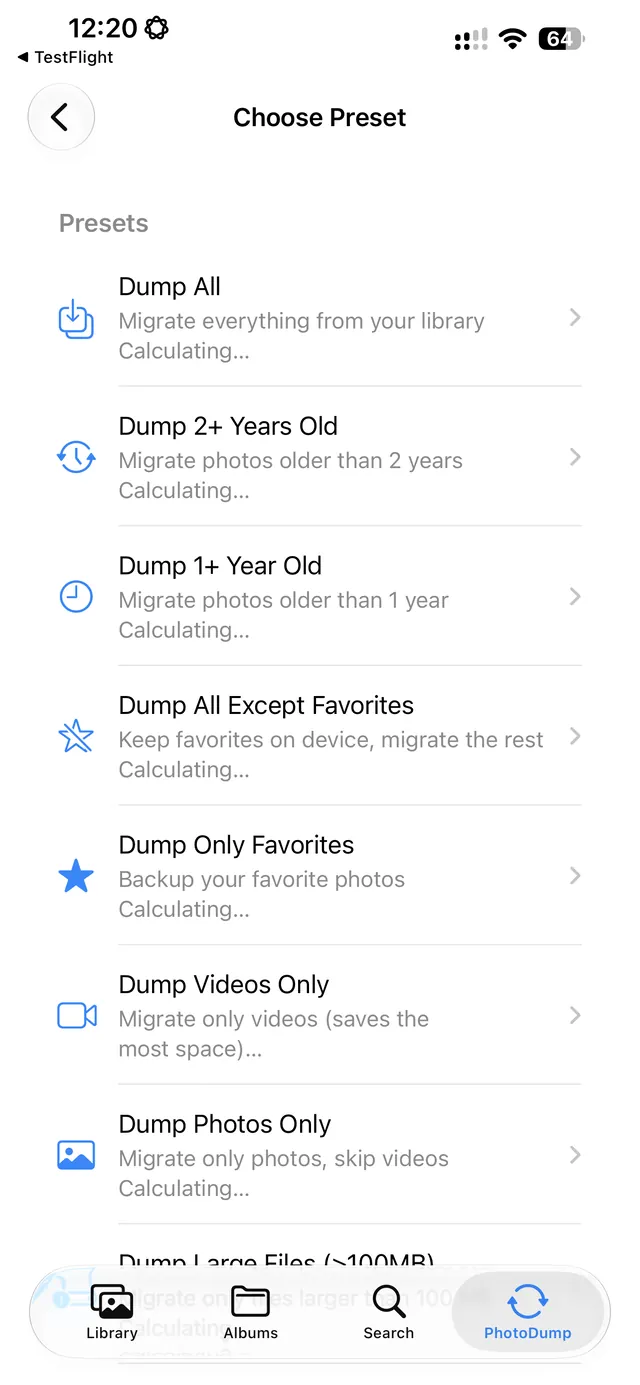
Presets for common cases: everything, just favorites, just videos, or anything older than a year.
Presets for common cases: everything, favorites, videos, or anything older than a year.
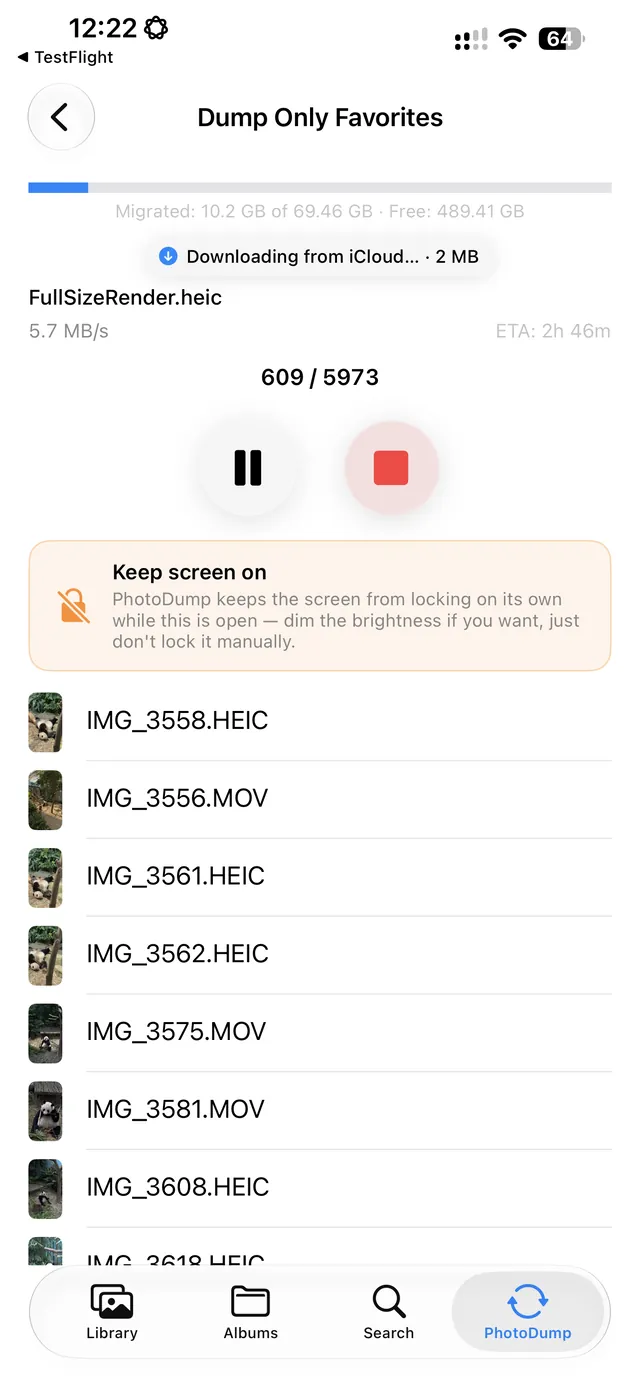
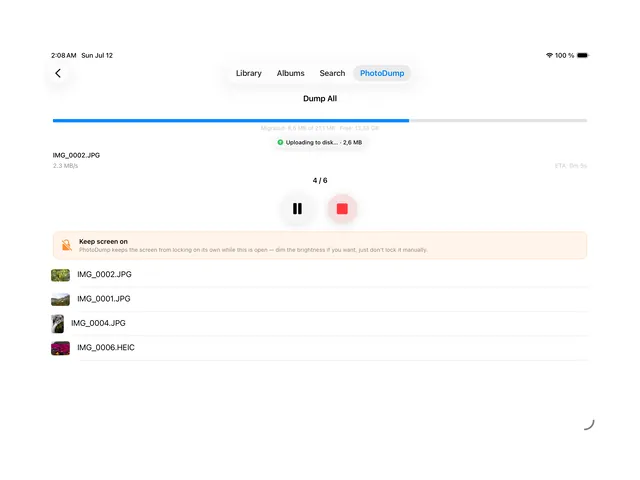
Downloads from iCloud when needed, then writes straight to the drive.
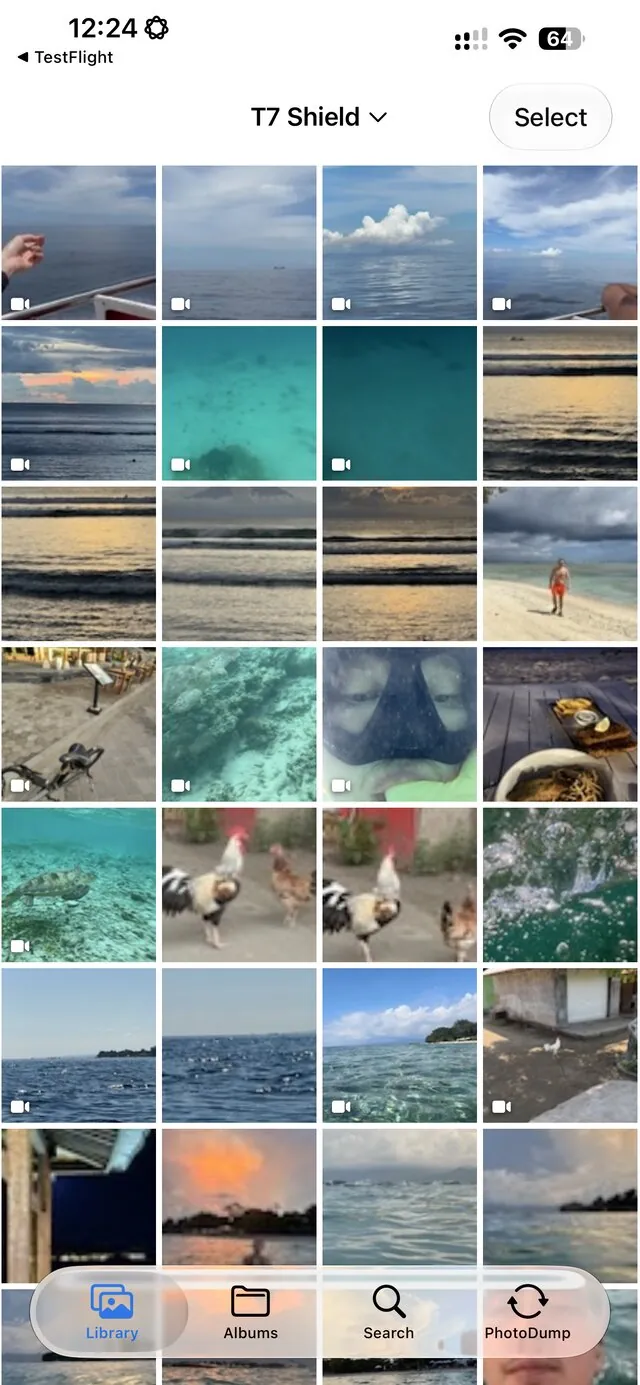
Browse your migrated library right off the drive, like it never left your phone.

Details

Source
Exports directly from your iCloud Photos library, including photos and videos that are stored only in iCloud.
Destinations
USB or SSD drive (the most mature option), S3-compatible storage (Beta), your own REST server (Beta).
Export presets
Many presets for common cases: everything, favorites, videos, or anything older than a year.
Pause and download in parts
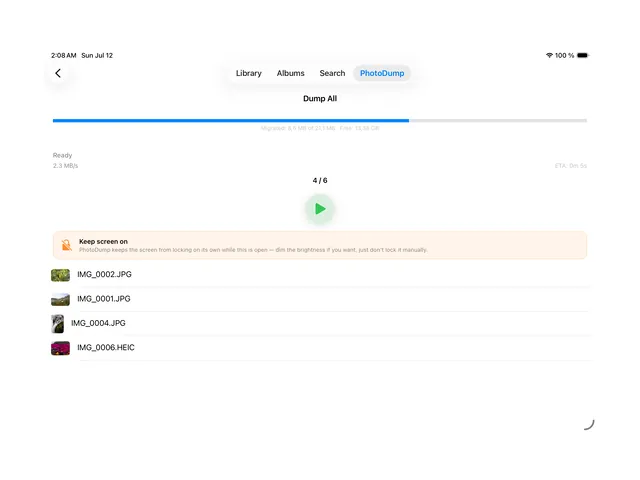
Pause at any time and download in parts. The export resumes exactly where it stopped.
Safe to delete
Files are marked safe to delete from the phone only after they are confirmed on the destination.
One drive, many iPhones
A single external drive can be shared across several iPhones, each tracked separately.
On-device search
Search and photo and location recognition run entirely on your device.
Price and privacy
One-time purchase, no subscription, no account. No third-party analytics or tracking SDK in the app.
Works on
iPhone and iPad (iOS 16 and later, iPadOS), and Mac with Apple silicon (M1 and later).
Languages
English, Russian, German, French, Spanish, Portuguese (Brazil), Chinese (Simplified), Japanese, Korean, Arabic, Kazakh.